Skip to content

Mobile product development

A better small moment can change the whole route.

Sodureqavi designs mobile product surfaces around the decisions people make while moving. We turn a vague feature request into a clear signal: what someone needs now, what can wait, and what must remain understandable after the handoff.
Small screen, real context.
We start with the setting around the tap, not a list of generic features.
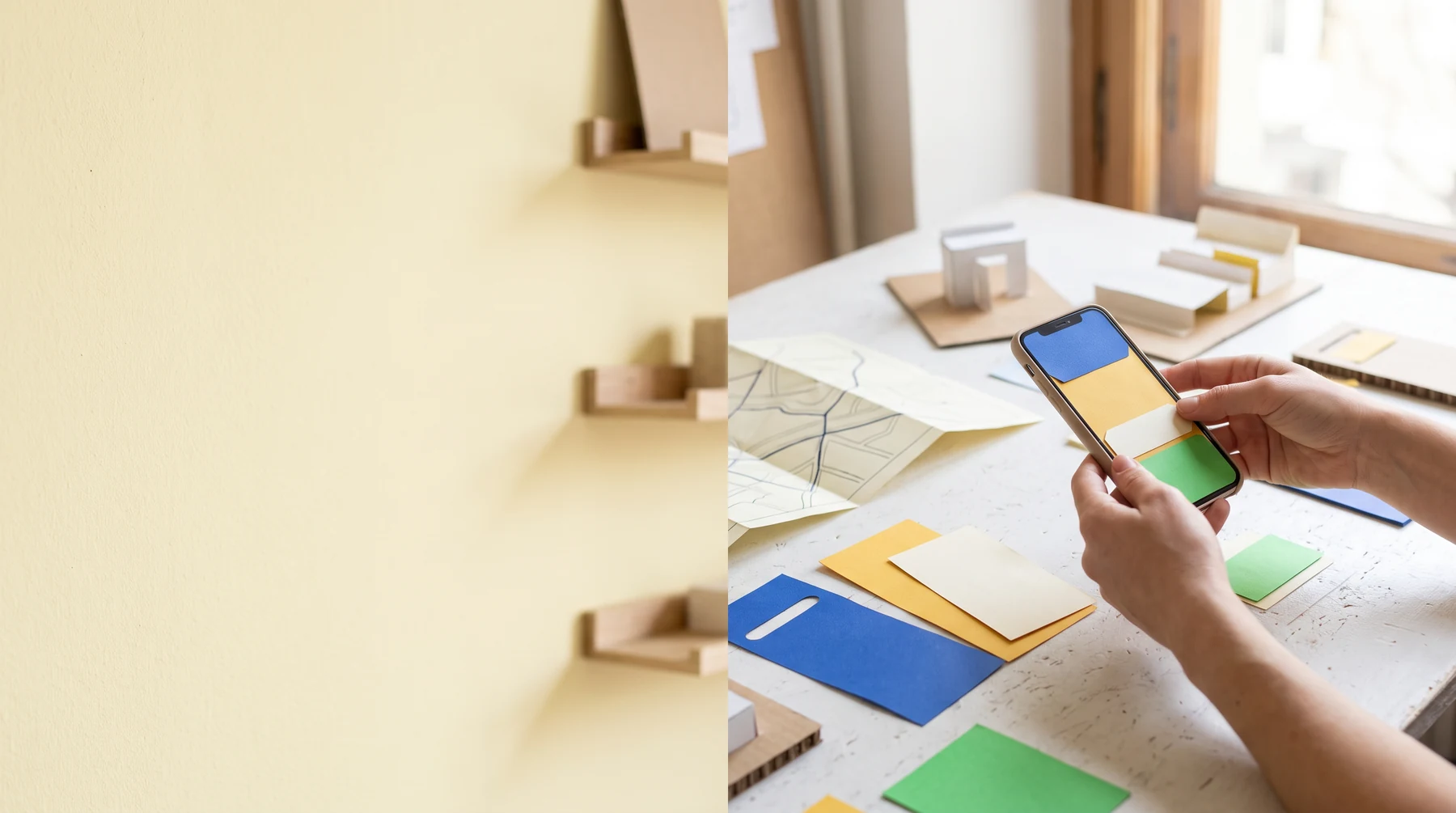
Designer assembling a smartphone paper prototype at a desk
Route note 01Every screen should open a next useful move.
Signal 01Begin with a situation
Signal 02Make the next action obvious
Signal 03Preserve a route back
Signal 04Record what changes

01 / Route notes

Mobile work is a chain of small agreements.

A product route has to fit the person holding the phone, the information arriving late and the team maintaining the work. We make those agreements visible before treating a screen as finished.

01 / Notice

Find the live question.

We identify the moment, pressure and person behind a request. A feature name alone rarely tells us what should happen next.

02 / Shape

Make one move legible.

We organise hierarchy, language and feedback around the action that matters now, without hiding the information needed to decide.

03 / Return

Leave a route back.

State, uncertainty and recovery are part of the product. The person should not have to start over just because a small condition changed.

02 / Product question map

A mobile surface should answer before it asks.

The right question changes as a product moves from first contact to everyday use. These prompts keep the work specific enough to test and calm enough to understand.

A

Before the tap

What is already true for the person arriving here? Start with their setting, not a blank ideal journey.

B

During the choice

What can be read in one glance, and which detail deserves a slower moment of attention?

C

After the action

What needs to remain visible so the person can trust what changed and safely find their way back?

03 / Studio shelf

Prototype the conditions around the interface.

A mobile experience is not only pixels on glass. We use objects, flows and real interaction contexts to test how the product behaves when attention is partial, fingers are busy or the question shifts.
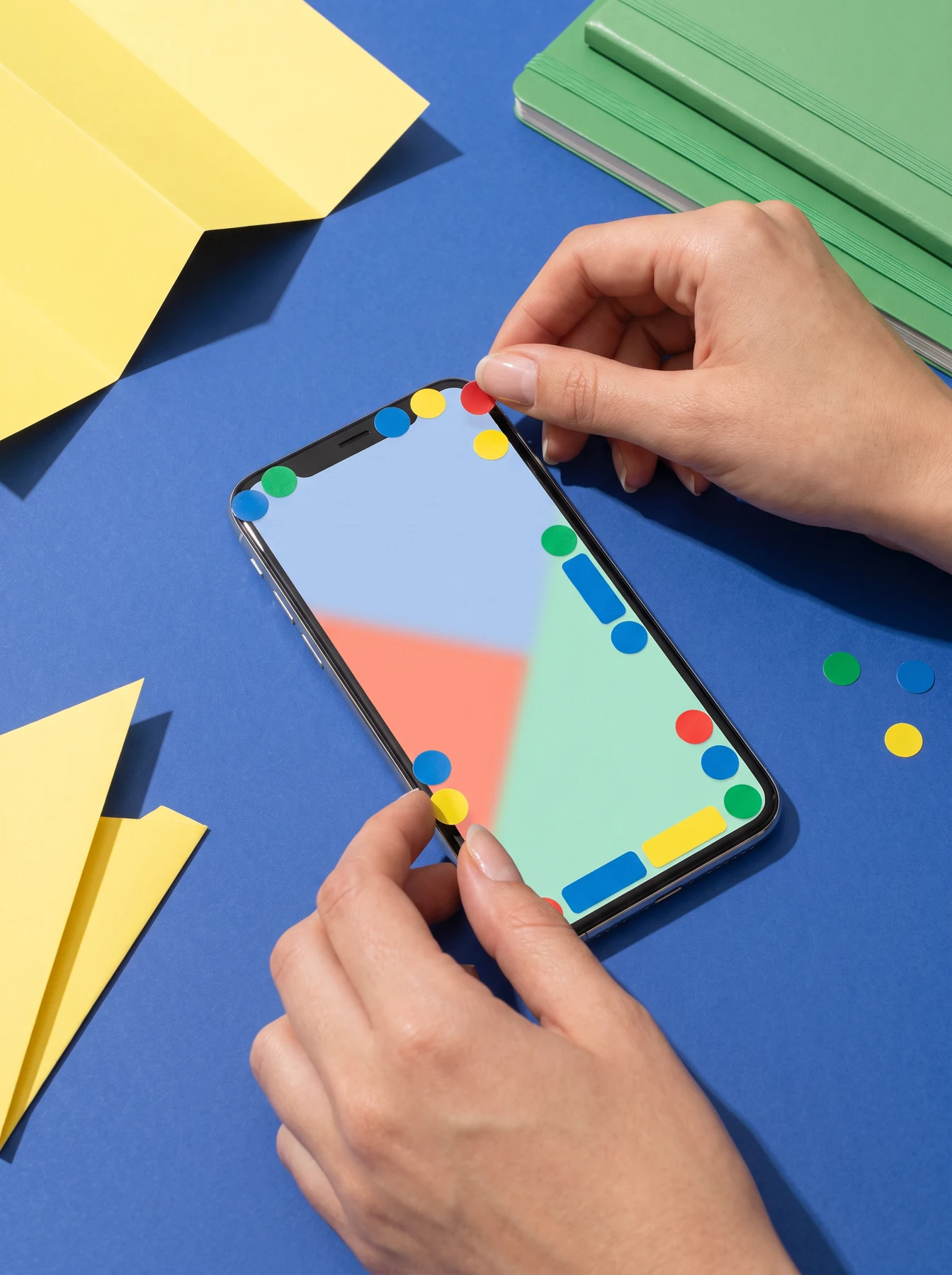
Hands placing colored stickers around a smartphone
Prototype shelf 01Make a small choice tangible
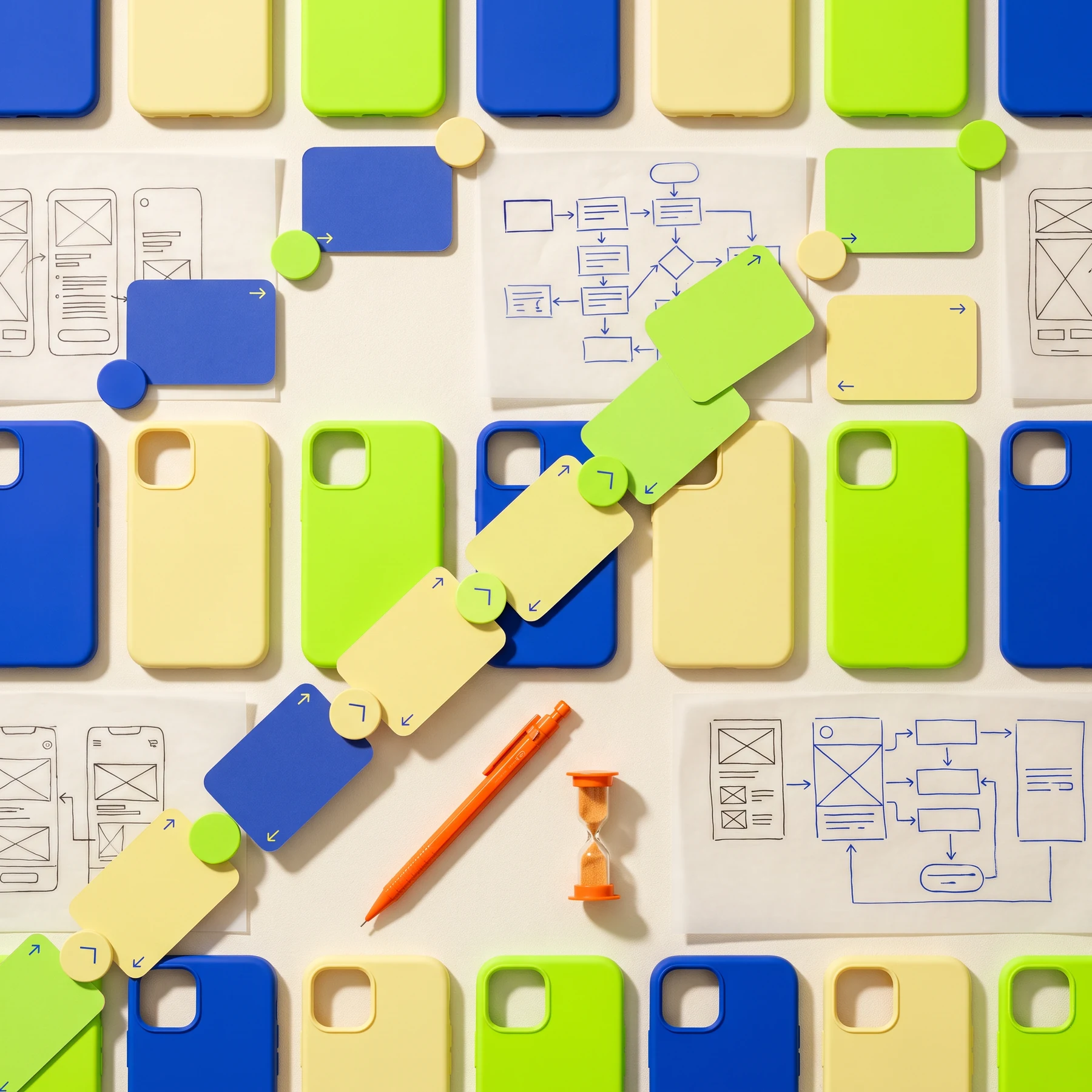
Colorful components and phone cases arranged overhead
Prototype shelf 02Sort the visible signals
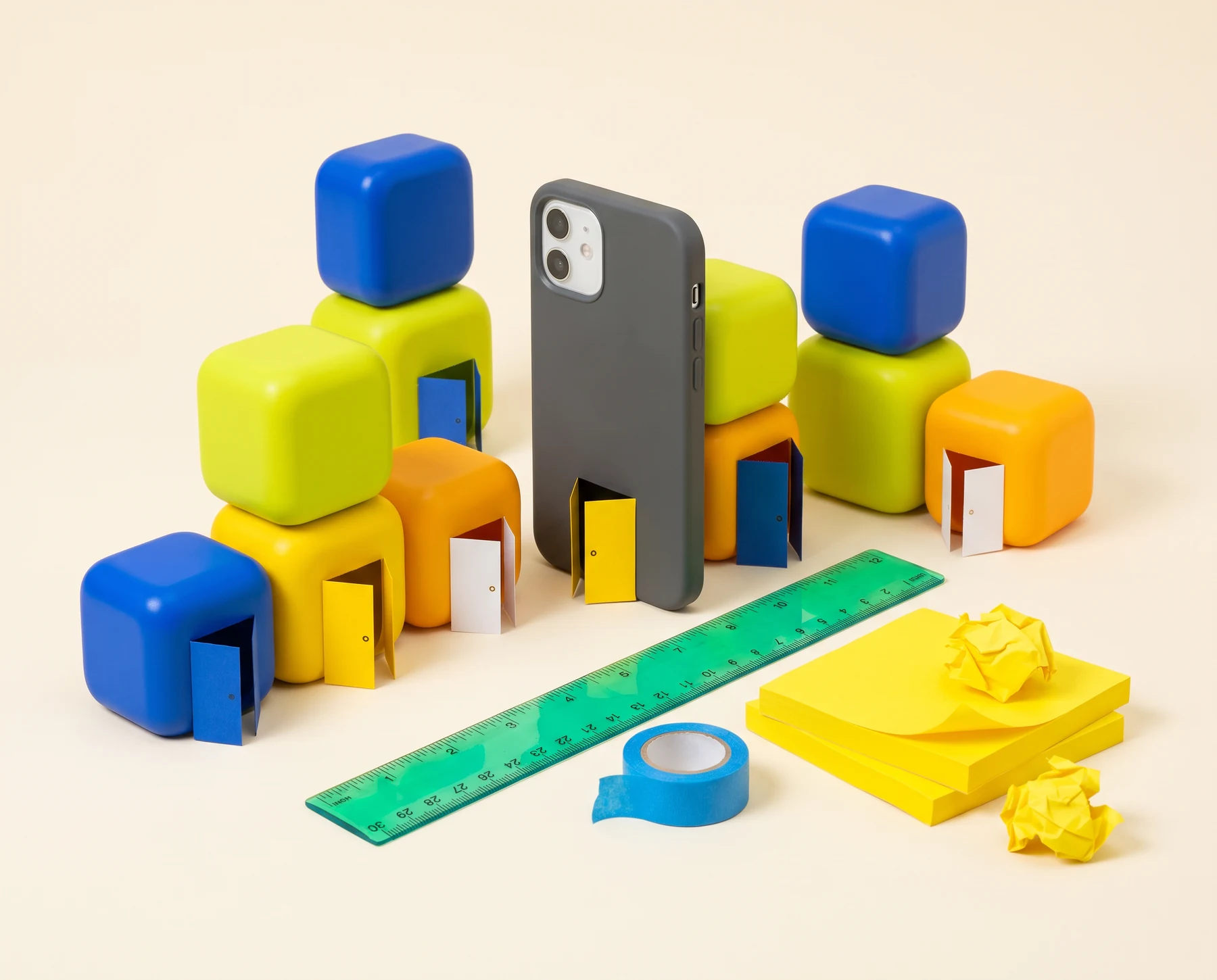
Product city made from colorful objects and a phone
Prototype shelf 03Model the route, not just the page
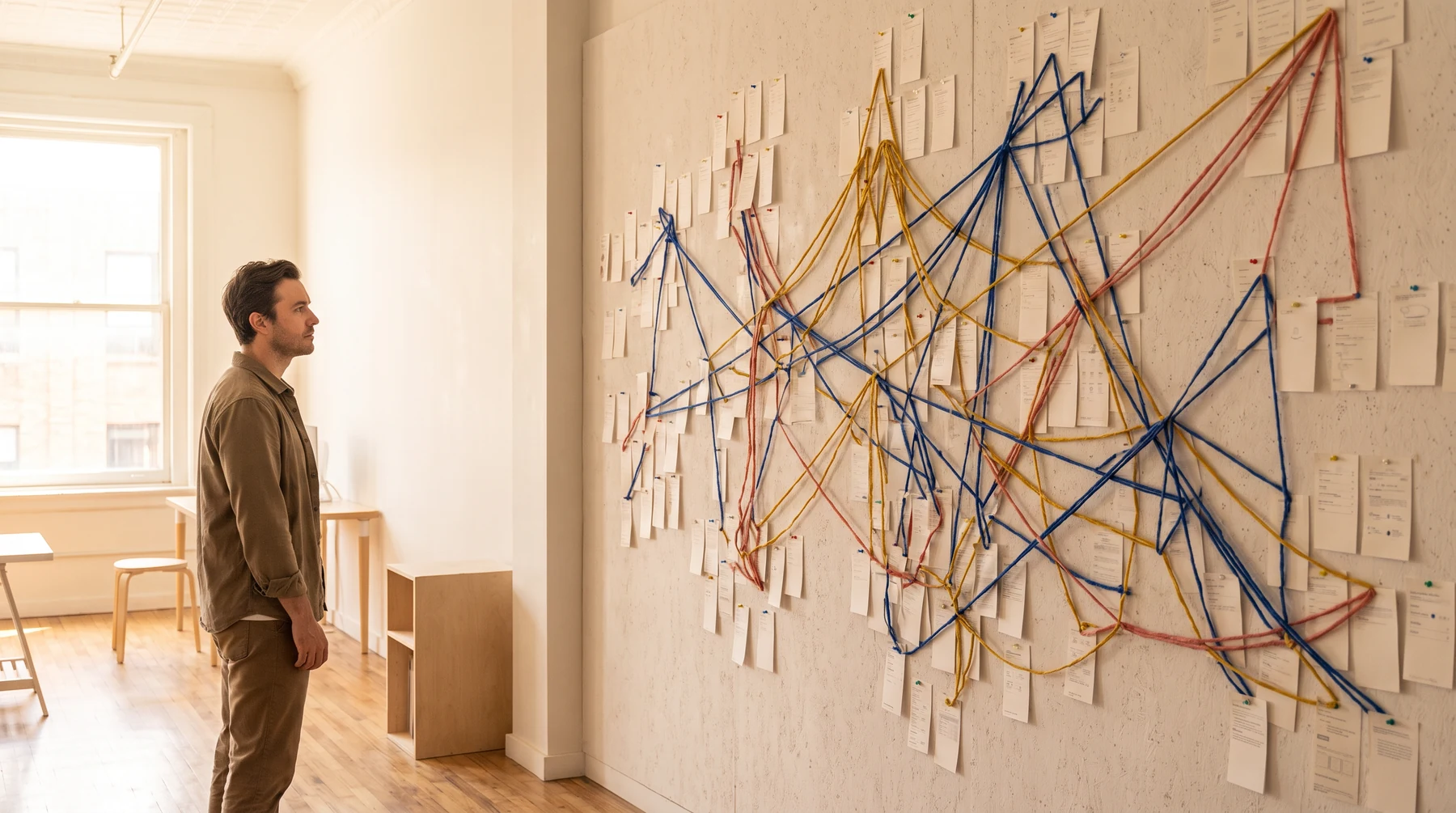
Designer reviewing a wall of connected mobile flow cards
Prototype shelf 04Keep the system in view

04 / Field test

Use a testing lens before adding another screen.

Lens / Arrival

Can someone orient without being taught the app?

We look at the first useful detail, the label that feels familiar and the point where a person can safely continue. Arrival is working when the product does not ask the person to learn its private structure before making an ordinary move.

Prompt: What should the person recognise before they decide?

05 / Surface checks

Three things a pocket product owes its user.

01 / Clarity

Say what changed.

Confirm a practical outcome in a way that can be read quickly and revisited later, instead of leaving people to infer whether their action worked.

02 / Dignity

Keep recovery ordinary.

Errors, interrupted steps and uncertain inputs should not make the person feel punished for using a mobile product in a real environment.

03 / Continuity

Do not lose the thread.

Give people a way to return to a choice, inspect context and continue with confidence when a route gets interrupted.

06 / Handoff clerk

A good mobile handoff includes the unresolved parts.

The team should inherit a usable record: what was tested, where the product is still uncertain and what to check when the next release changes the route.
  1. 01Carry the situation.
    State who the route serves and what was happening when it was tested.
  2. 02Carry the decision.
    Show the choice made and the evidence that gave it weight.
  3. 03Carry the open edge.
    Name the condition that deserves another look, instead of burying it in a long backlog.
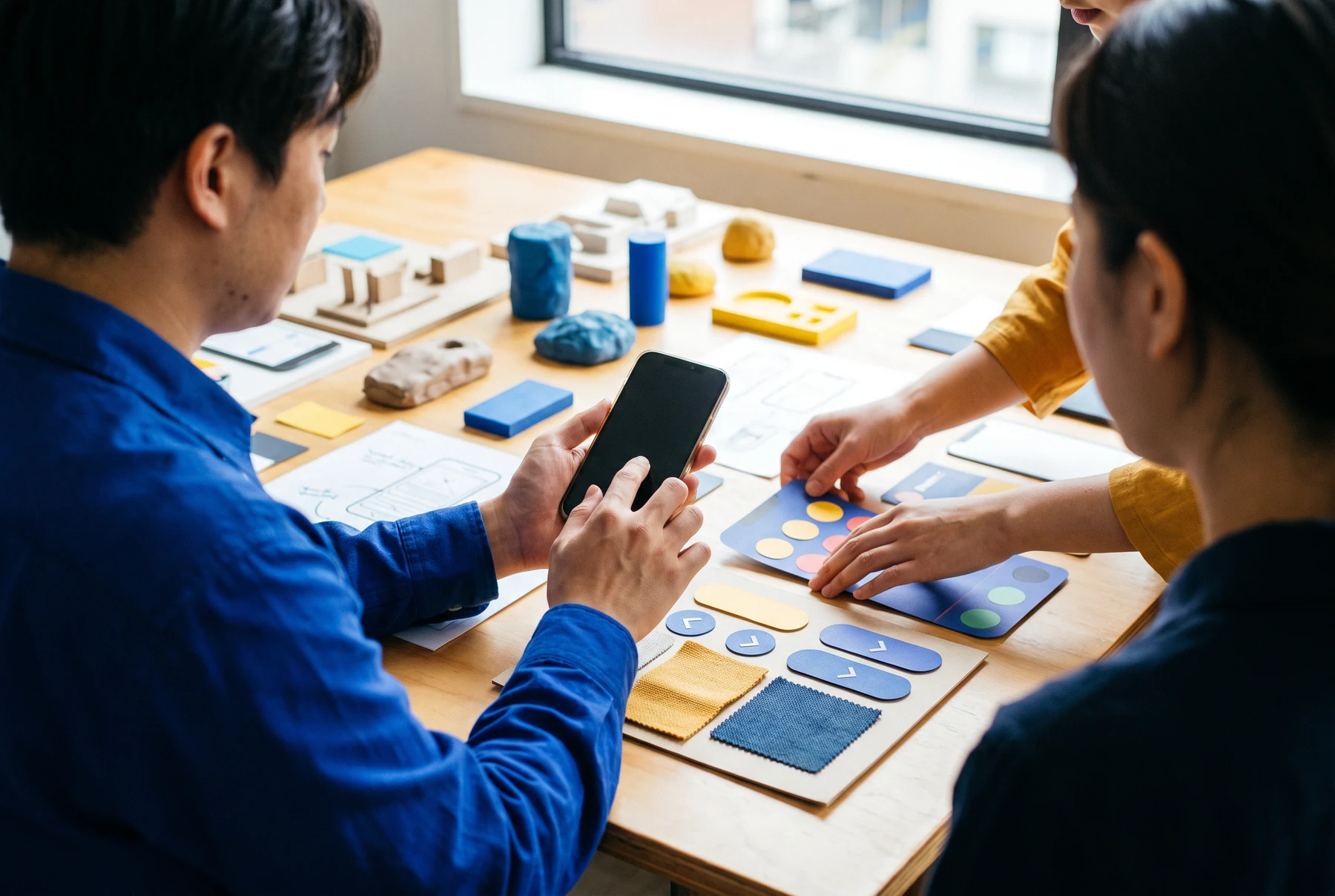
Team testing a mobile product at a worktable
A handoff should make the next person more capable, not more dependent on a meeting.

07 / Questions

Product questions worth leaving open long enough.

A product note is a concise working object that holds a situation, a proposed move, the information supporting it and the question still unresolved. It is not a promise of a final product. Its purpose is to help a team make the next decision without losing the context that made the decision necessary.

No. This is an informational website for a mobile product studio concept. It does not provide a checkout, subscription, downloadable product or promise of an application result. Any possible workshop or collaboration would be discussed separately, with its scope and expectations set out in a written agreement rather than implied by this website.

A small, focused test can still be useful when the question is clear. Test the moment someone has to orient, decide, recover or return, then note the conditions around that moment. The purpose is not to claim universal evidence; it is to find the next uncertainty that would change the product if it were understood better.

The unresolved part should be carried forward explicitly. Sodureqavi treats uncertainty as a design constraint that can be named, scoped and revisited rather than hidden behind a confident interface. That allows a team to keep moving on what it knows, while preserving a clear route back to the question that still needs attention.

08 / Open a product note

Give the small question a place to land.

Share a context, route or product moment that needs a clearer next move. This form stays in your browser and does not send a message.

[email protected]

Product note staged in this browser only. No message was sent or stored. To discuss a mobile product question, email [email protected].